Migration
Before doing any migration back up your database in case the whole process goes south.
Version 4
Version 4 is a complete rewrite of tf2pickup.org. The previously separate client and server repositories have been merged into a single monolith. This simplifies deployment significantly — there is now only one Docker image and one application port.
New Docker image
The separate frontend and backend containers are replaced by a single image:
ghcr.io/tf2pickup-org/tf2pickup:latest
The application serves both the UI and the API on port 3000. Remove the old frontend and backend containers from your docker-compose.yml and replace them with a single service:
services:
  tf2pickup:
    image: ghcr.io/tf2pickup-org/tf2pickup:latest
    restart: always
    env_file: .env
    ports:
      - '3000:3000'    # HTTP
      - '9871:9871/udp' # Log relay
    depends_on:
      - mongo
Redis is no longer needed
Version 4 does not use Redis. You can remove the Redis container from your docker-compose.yml and delete REDIS_PASSWORD and REDIS_URL from your .env file.
Environment variables
Several environment variables have changed:
Removed
| Variable | Notes |
|---|---|
API_URL | Replaced by WEBSITE_URL |
CLIENT_URL | Replaced by WEBSITE_URL |
BOT_NAME | No longer needed |
REDIS_PASSWORD | Redis is no longer used |
REDIS_URL | Redis is no longer used |
New
| Variable | Description |
|---|---|
WEBSITE_URL | Full URL where the instance is accessed (e.g. https://tf2pickup.eu). Replaces both API_URL and CLIENT_URL. |
WEBSITE_BRANDING | (optional) Name of the branding profile to use for logos and favicons. See custom branding for details. |
NODE_ENV | Set to production for production deployments. |
LOG_LEVEL | Logging level. Possible values: fatal, error, warn, info, debug, trace. Defaults to info. |
THUMBNAIL_SERVICE_URL | Map thumbnail service URL. Defaults to https://mapthumbnails.tf2pickup.org. |
UMAMI_SCRIPT_SRC | (optional) Umami analytics script URL. |
UMAMI_WEBSITE_ID | (optional) Umami analytics website ID. |
Changed
| Variable | What changed |
|---|---|
LOG_RELAY_ADDRESS | Was the API hostname (e.g. api.tf2pickup.eu). Now should be set to your public hostname and port (e.g. tf2pickup.eu:3000). |
Unchanged
These variables work the same as before: TZ, WEBSITE_NAME, MONGODB_URI, STEAM_API_KEY, LOGS_TF_API_KEY, KEY_STORE_PASSPHRASE, SUPER_USER, GAME_SERVER_SECRET, LOG_RELAY_PORT, DISCORD_BOT_TOKEN, TWITCH_CLIENT_ID, TWITCH_CLIENT_SECRET, SERVEME_TF_API_ENDPOINT, SERVEME_TF_API_KEY.
Reverse proxy
Since the application now serves everything on a single port, you no longer need a separate api. subdomain. Update your Nginx configuration to proxy all traffic to port 3000:
server {
    listen 443 ssl;
    server_name tf2pickup.eu;

    ssl_certificate /etc/letsencrypt/live/tf2pickup.eu/fullchain.pem;
    ssl_certificate_key /etc/letsencrypt/live/tf2pickup.eu/privkey.pem;

    location / {
        proxy_pass http://127.0.0.1:3000;
        proxy_http_version 1.1;
        proxy_set_header Upgrade $http_upgrade;
        proxy_set_header Connection "upgrade";
        proxy_set_header Host $host;
        proxy_set_header X-Real-IP $remote_addr;
        proxy_set_header X-Forwarded-For $proxy_add_x_forwarded_for;
        proxy_set_header X-Forwarded-Proto $scheme;
    }
}
You can remove the old api.tf2pickup.eu server block and DNS record.
Database migration
Version 4 runs database migrations automatically on startup using umzug. No manual migration steps are needed — just start the new container and it will migrate your data.
Twitch OAuth redirect URL
If you use Twitch integration, update the OAuth redirect URL in the Twitch Developer Console from:
https://api.tf2pickup.eu/twitch/auth/return
to:
https://tf2pickup.eu/twitch/auth/return
Game server connector
If your game servers use the connector plugin, update the sm_tf2pickuporg_api_address cvar to point to your new single-domain URL instead of the old api. subdomain. For example:
sm_tf2pickuporg_api_address "https://tf2pickup.eu"
Discord invite link
The Discord invite link is no longer part of the website branding. After upgrading, go to the Admin panel → Miscellaneous section and fill in your Discord invite link there.
Version 10
The sections below describe migrating from older v3 versions (v9 → v10). If you are already on version 4, you can skip this entire section.
Website name
We introduced a new environment variable, WEBSITE_NAME. It identifies your tf2pickup.org instance uniquely; for now, it will be used by the new logs.tf uploader, but more use-cases are surely coming.
WEBSITE_NAME=tf2pickup.eu
We also added support for expansion of environment variables, so now you can re-use your WEBSITE_NAME, for example:
BOT_NAME=${WEBSITE_NAME}
Redis
The new version requires a Redis database; it is used to cache some data and store game logs. Follow site components deployment documentation to learn how to set it up.
REDIS_URL=redis://tf2pickup-eu-redis:6379
logs.tf
Version 10 comes with an integrated logs.tf uploader that captures in-game logs and uploads them when a match ends. It also lets you access game server logs directly via the webpage.
For the integration to work, you need to grab your API key here and put it in your .env file:
LOGS_TF_API_KEY=your_logs_tf_api_key
Uploading logs via the backend means that you need to disable log upload on your gameservers; otherwise all the logs are going to be doubled.
To disable uploading logs to logs.tf on your gameservers empty the LOGS_TF_APIKEY env variable:
# gameserver.env
LOGS_TF_APIKEY=
KEY_STORE_PASSPHRASE typo
In older versions of the tf2pickup.org project there was a typo in the environment file that we have fixed in version 9. However, the typo was still allowed alongside the correct variable name. We got rid of the typo in version 10, so make sure you take care of it in your .env file.
# Old variable name, wrong
# KEY_STORE_PASSPHARE=

# New variable name, typo fixed
KEY_STORE_PASSPHRASE=
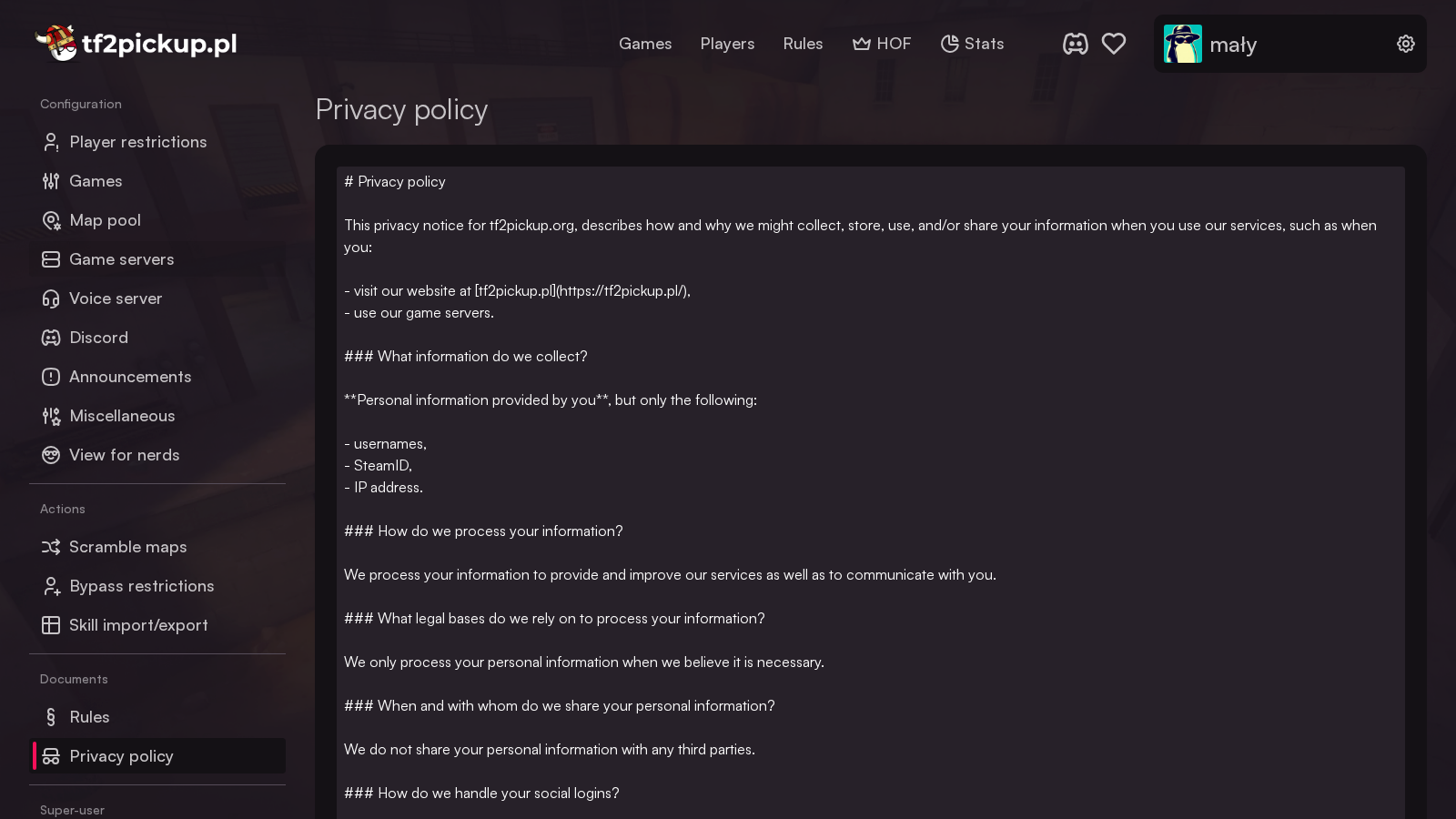
Review privacy policy
To be compliant with the GDPR we added a new document - privacy policy. It is stored on the server and can be edited via your admin panel. It is short and contains only necessary information, so please take a look at it and update the link to your website, as it defaults to tf2pickup.pl.